karst
MCP-native · Apache 2.0 · Self-hosted

code context
for AI dev tools

karst indexes your repo, packs it into small token-efficient bundles, and serves them over MCP to Claude, Cursor, and any AI dev tool. Local-first and self-hosted — with a local model, your code never leaves your machine.

343s → 2.3s
Re-index after first run. Incremental, content-addressed.
$0.019
Avg cost per query on Sonnet 4.6. Shown before each call.
60%
Token reduction with packs vs. raw file dumping.

How it works

Three steps. No vector DB to babysit, no embeddings drift, no surprise bills. See the interactive walkthrough →

01 / INDEX

Parse the repo

karst walks your tree, parses each file with tree-sitter, and writes a content-addressed index of symbols, calls, and imports. The first pass takes 343s on a 2M-line repo; subsequent runs are 2.3s because only changed blobs are re-parsed.

02 / PACK

Group into packs

Files that change together and call each other get grouped into packs — small, named bundles like auth or billing-stripe. karst packs suggest proposes them; you review, tag, and apply. Packs are the unit of context.

03 / SERVE

Serve over MCP

karst exposes packs as MCP resources. Claude Desktop, Cursor, and any MCP client can pull just the pack they need — 60% fewer tokens than dumping raw files, with the exact cost printed before each call.

Install in 60 seconds

Python 3.10+. Works on macOS, Linux, WSL.

# 1. install
pip install karst

# 2. index your repo (one-time, ~5 min on a large codebase)
karst index ./my-repo

# 3. suggest packs, review, apply
karst packs --storage ~/.karst/my-repo suggest ./my-repo --apply --retag

# 4. ask anything — cost is printed before the call
karst ask "How does auth work?" --storage ~/.karst/my-repo

Or wire it into your AI tool: MCP setup for Claude, Cursor, VS Code & more →

Guides

Understand karst, then wire it into your workflow. New here? Start with Why karst?

START HERE

Why karst?

What it is and the problem it solves — in plain English, no jargon.

Read →
5 MINUTES

Quickstart

Zero to cited answers about your own code in five minutes — no API key.

Read →
NO CLI

For vibe coders

Use karst from Cursor or Claude Desktop by just chatting — never touch a command.

Read →
SETUP

Connect your AI tool

Copy-paste MCP config for Claude, Cursor, Windsurf, VS Code, Zed, JetBrains & more.

Read →
RECIPES

Cookbook

Real scenarios — onboarding, blast radius, cutting token cost — with real output.

Read →
REFERENCE

MCP & internals

Transport details, remote hosting, and how karst works under the hood.

Read →
PRIVATE

Self-hosted & air-gapped

Run karst — and the AI answers — fully on your machine with a local model. Your code never leaves the building.

Read →

Get early access

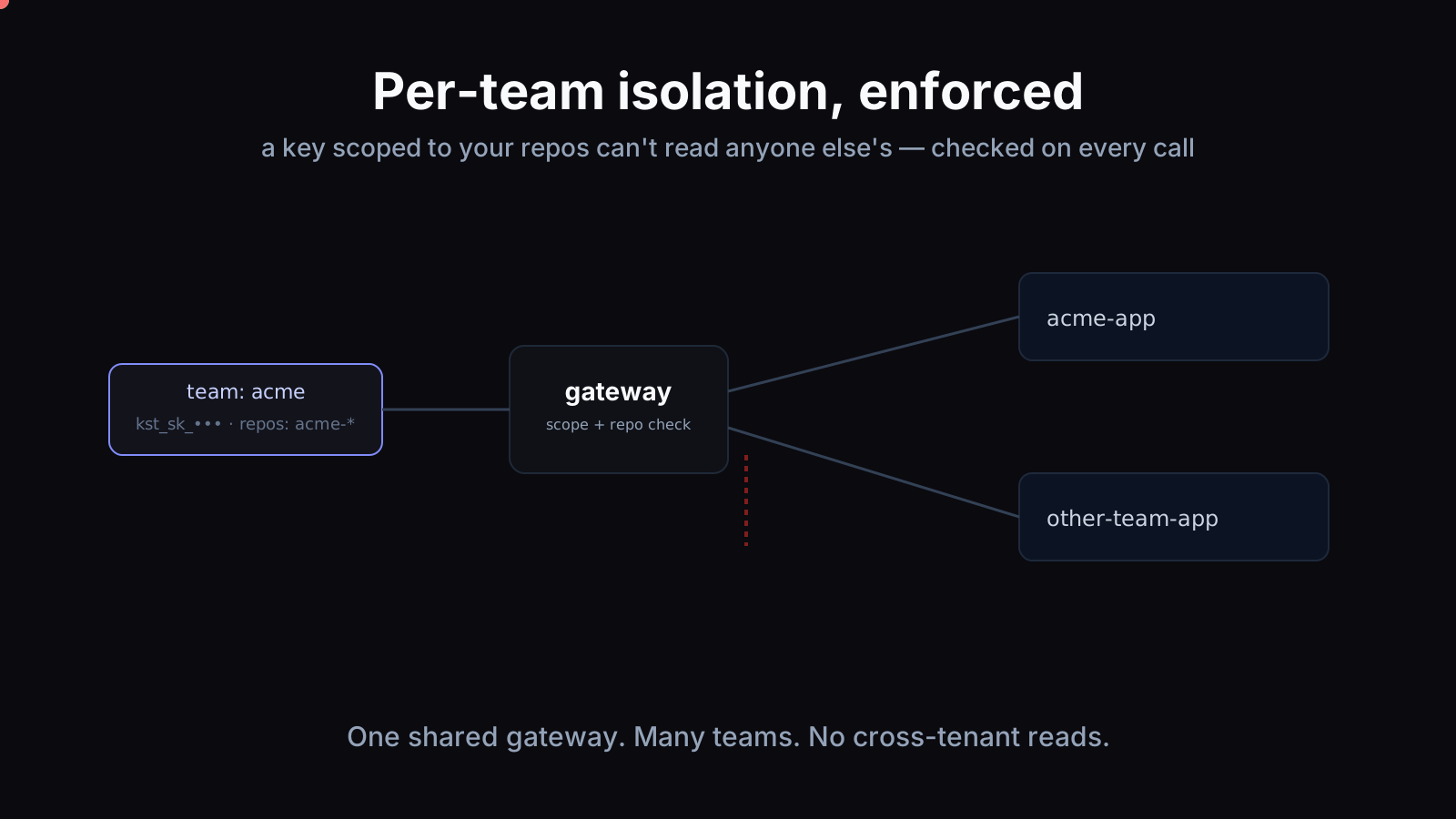
We're rolling out hosted packs, team sync, and a usage-aware MCP gateway. Drop your email and we'll send a build invite when your slot opens.

Questions or feedback?

Hit a bug, have an idea, or just want to ask something about karst? Send it straight to us — leave your email if you'd like a reply.

Prefer email? karst.support@gmail.com